What this workflow creates
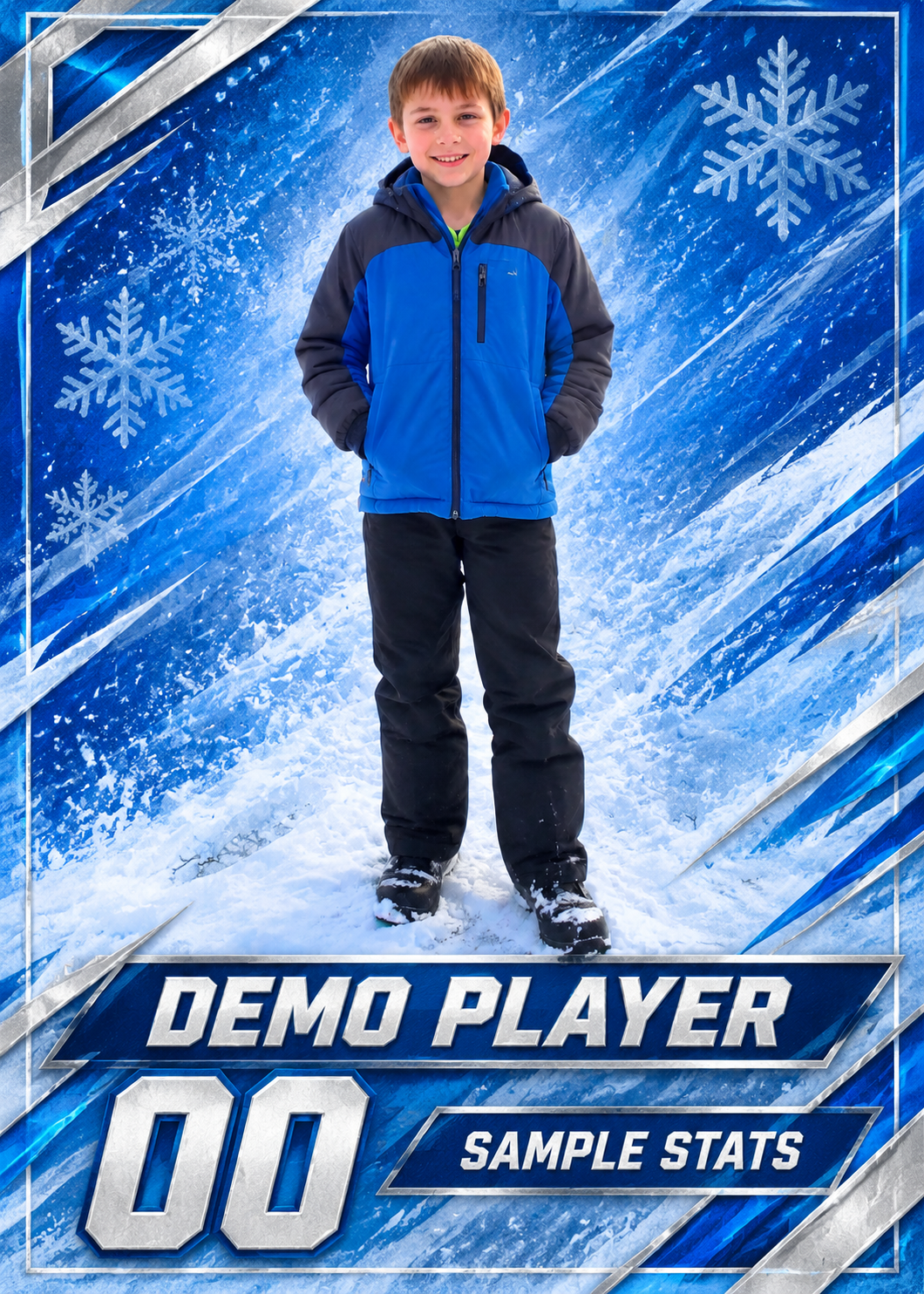
Transform a child or athlete photo into a sports trading card. This run creates one visual preview. Data calculations, precise typesetting, vectors, and production files still require verification in the appropriate tools.
- Who it’s for
- Parents, teams, athletes
- What it does
- Cut out characters and lay out card information
- Where to use it
- Youth events, team gifts, commemorative collections
This run creates one visual preview. Data calculations, precise typesetting, vectors, and production files still require verification in the appropriate tools.
What you need
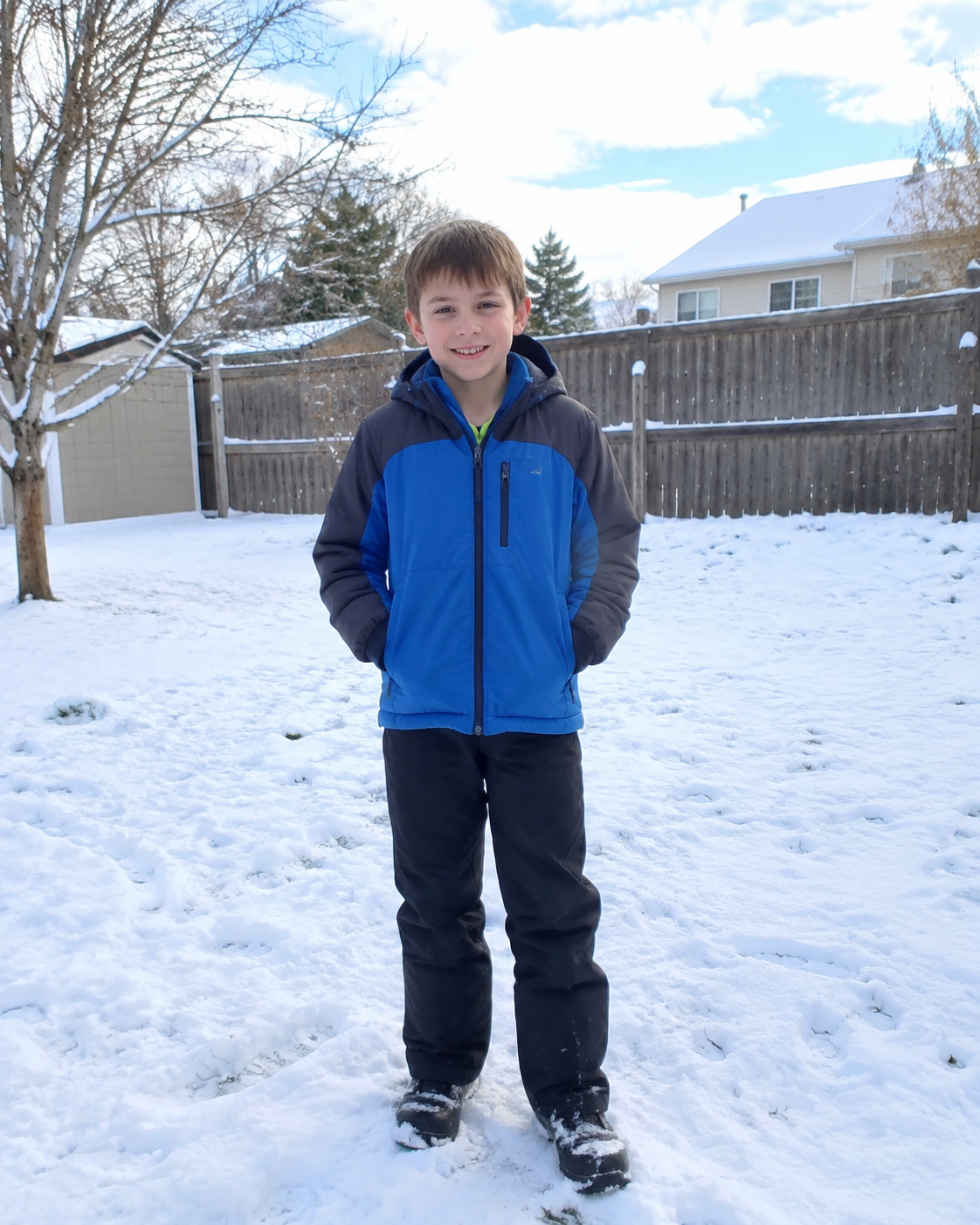
- Original photo of the character to whom the collection card belongsRequired · 1 image
- Only lock your appearance, posture and original clothing; generally make sure that your portrait is legal and do not infer the team, number or score from the photo.
- Athlete name and sportRequired · 1 set
- The character and sports context to which the collection card belongs is specified by the user and is not inferred from ordinary portraits.
- Numbers, Teams & StatisticsRequired when applicable · 1 item
- Provide verified numbers, teams and results, and do not automatically generate league logos.
When to provide it: When these fields need to be displayed on the card surface
Provide every required input. Add optional inputs only when useful, and mark conditional inputs as applicable only when they apply to this request.
How to use this workflow
Open the generation form
Select “Use this workflow” to see the required inputs. You’ll need to sign in before generating.
Add the required inputs
Prepare: Required source photo of the person on the trading card (1 image) + required athlete name and sport (one set) + conditional number, team, and statistics (one set). Complete every required field, add optional inputs only when useful, and mark each conditional input as applicable or not applicable.
Review text and output settings
Check “Athlete name and sport” for accuracy, then choose the aspect ratio, resolution, and quality that fit this use case. The generation form shows the available options.
Generate and review
Select “Generate image,” then review the result and open the full-size image. Check it against the detailed requirements below. This run creates one visual preview. Data calculations, precise typesetting, vectors, and production files still require verification in the appropriate tools.
Do I need to write a prompt?
No full prompt needed—just complete the required text fields.
Complete “Athlete name and sport” to describe what this request should contain or create. “Numbers, Teams & Statistics” can be entered as exact text or data, or supplied as images. The checklist below shows which fields are required. You do not need to write generation instructions. Use the form fields to provide the images, exact copy, data, or description requested by this workflow.
Detailed result requirements
Required source photo of the person on the trading card (1 image) + required athlete name and sport (one set) + conditional number, team, and statistics (one set)
No universal public standard is available. Check the requirements of the platform or service you will use.
No universal public standard is available. Check the requirements of the platform or service you will use.
Set the output canvas from the selected platform placement or production template, not from a reference image. Choose the option that matches this request: Personalized sports cards working canvas — 5:7 (recommended). Use a different ratio only when a verified placement or production template requires it. Use the selected template for final delivery. Use 5:7 only as the recommended working canvas for personalized sports cards when no template is available. Compose the subject with appropriate breathing room. Create one aspect-ratio-specific deliverable per request; generate each additional placement as a separate output. Recompose for the selected ratio while preserving the complete subject, all text, and every required safe area. Never stretch the subject or treat cropping important content as adaptation.
No universal public standard is available. Check the requirements of the platform or service you will use.
No universal public standard is available. Check the requirements of the platform or service you will use.
No universal public standard is available. Check the requirements of the platform or service you will use.
No universal public standard is available. Check the requirements of the platform or service you will use.
No universal public standard is available. Check the requirements of the platform or service you will use.
No universal public standard is available. Check the requirements of the platform or service you will use.
No universal public standard is available. Check the requirements of the platform or service you will use.
No universal public standard is available. Check the requirements of the platform or service you will use.
Official and platform requirements
No universal public standard is available. Check the requirements of the platform or service you will use.
FAQ
What can I create with this workflow?
Transform a child or athlete photo into a sports trading card. This run creates one visual preview. Data calculations, precise typesetting, vectors, and production files still require verification in the appropriate tools.
Do I need to write a prompt?
Complete “Athlete name and sport” to describe what this request should contain or create. “Numbers, Teams & Statistics” can be entered as exact text or data, or supplied as images. The checklist below shows which fields are required. You do not need to write generation instructions. Use the form fields to provide the images, exact copy, data, or description requested by this workflow.
What do I need to upload?
“Original photo of the character to whom the collection card belongs”: 1 image; required. JPG, PNG, and WebP are supported, up to 10 MB per image. Export the required pages from PDFs, design files, or spreadsheets as images; exact text can be entered directly.
What does one generation produce?
This run creates one visual preview. Data calculations, precise typesetting, vectors, and production files still require verification in the appropriate tools.
Common search terms
Public evidence and sources
Existing sources can only attest to the existence of this intention; no public pages directly describing the proportions, composition, background, text, or delivery specifications of the figure have been found.