

263 real image workflows Provide only the materials each workflow needs One image per generation
Explore workflows
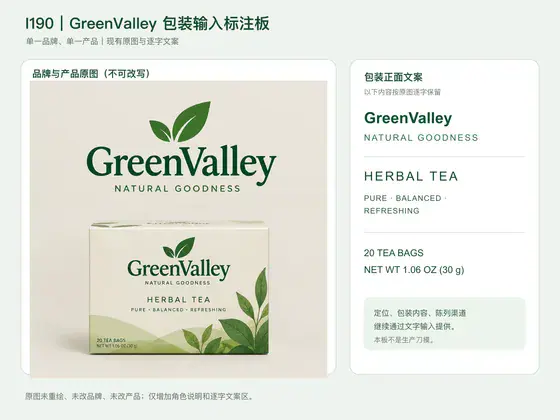
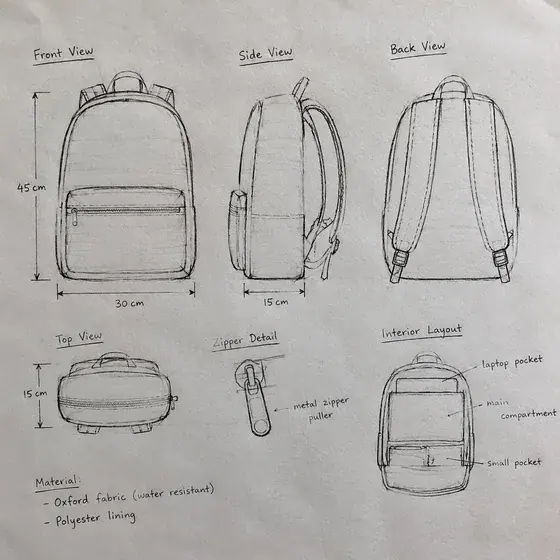
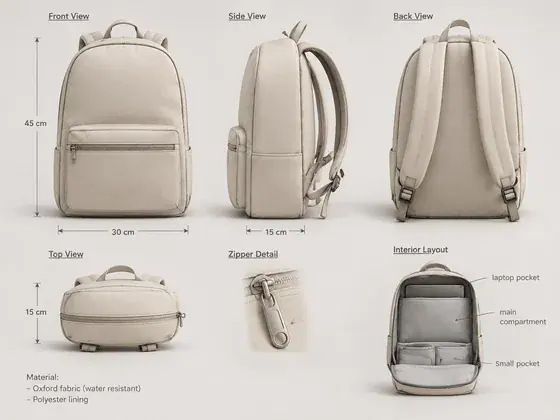
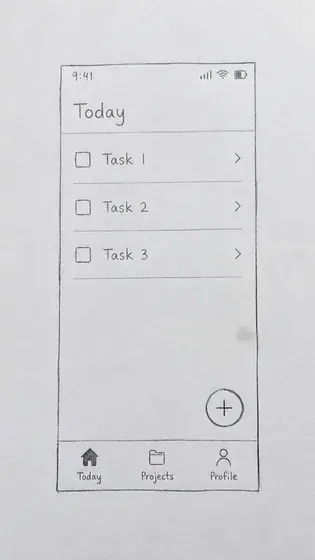
248 workflows with reference images and example results.



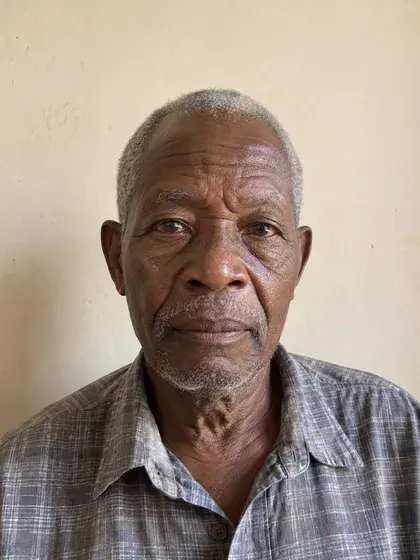













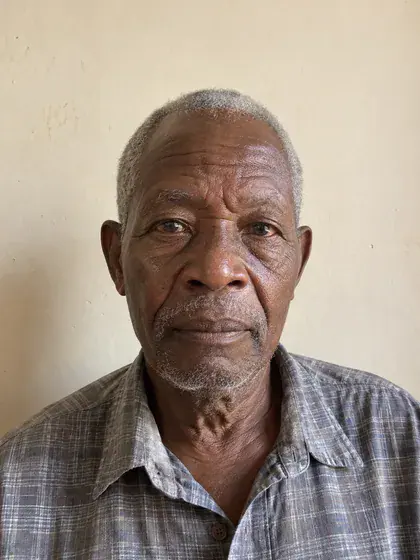









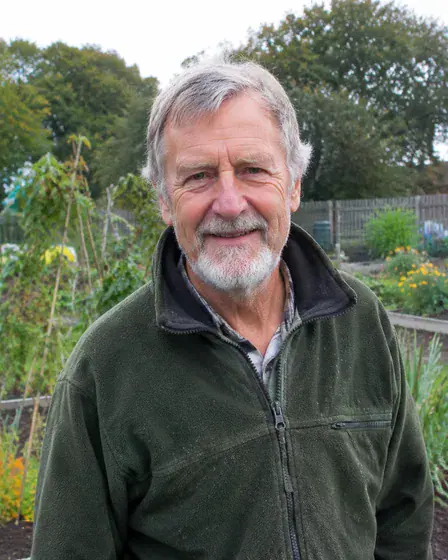





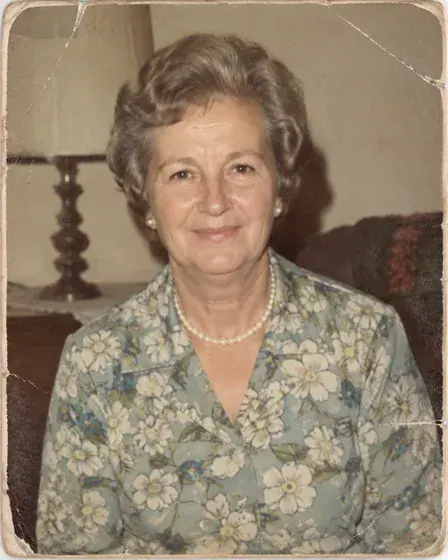













































































































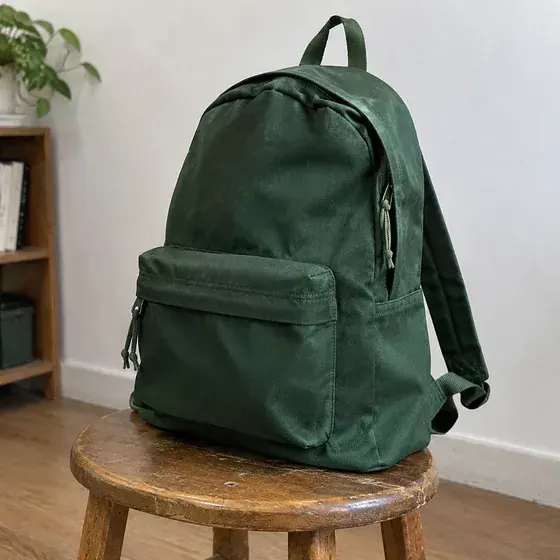



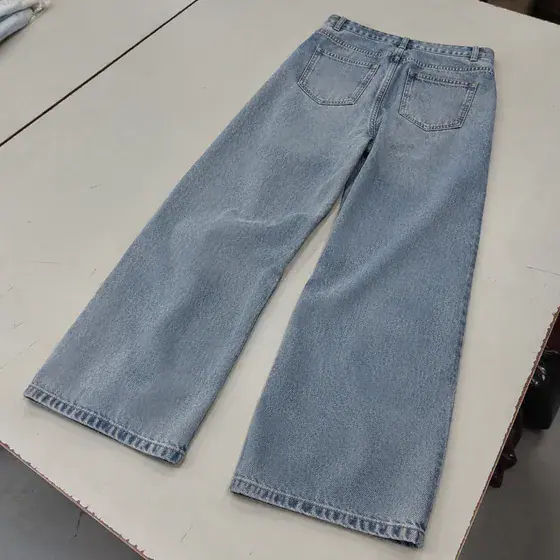




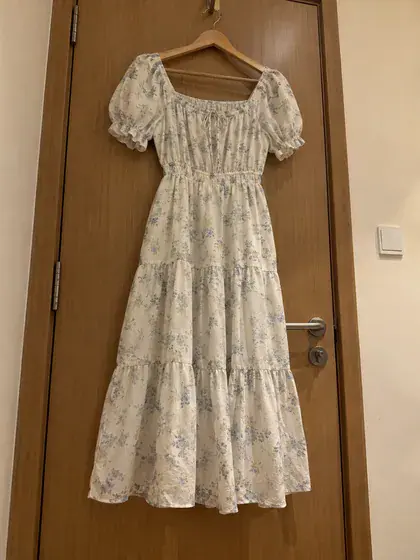





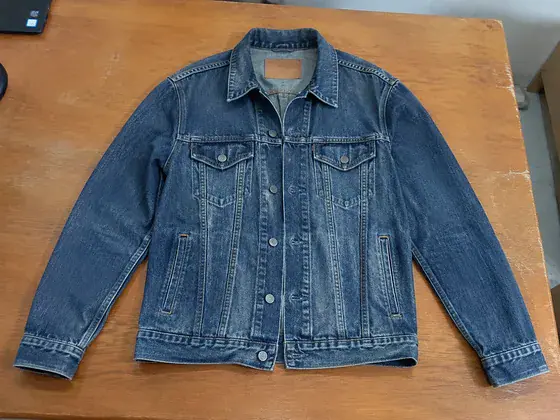
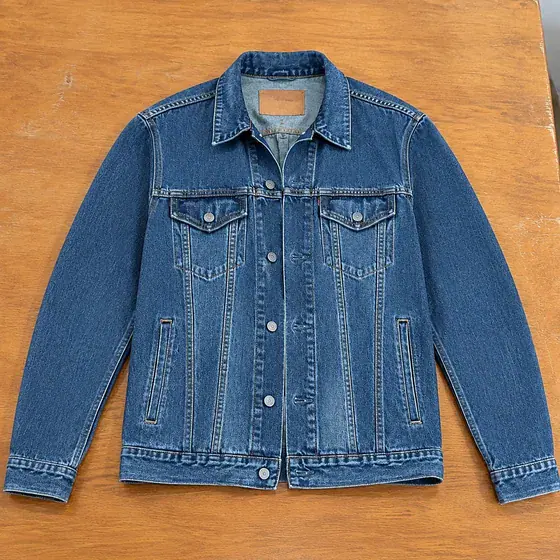
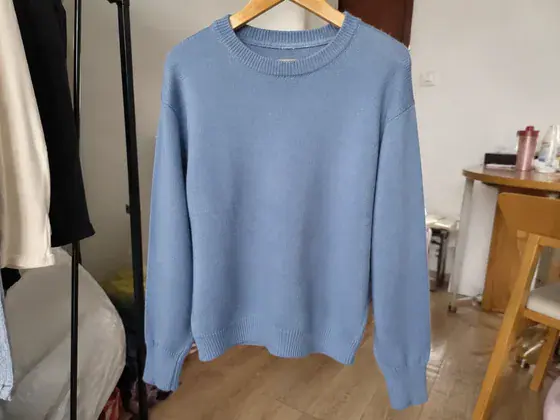
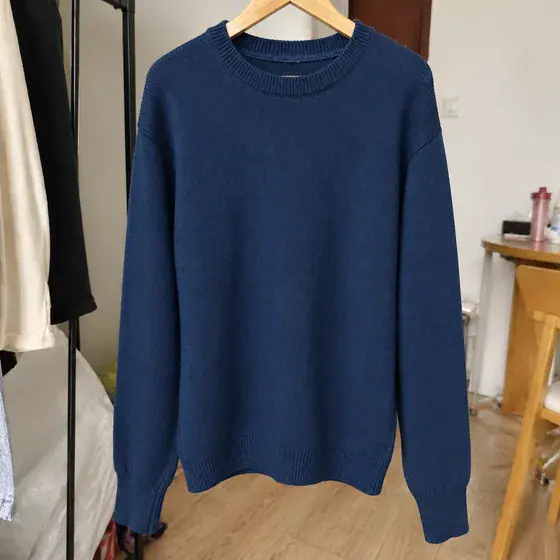
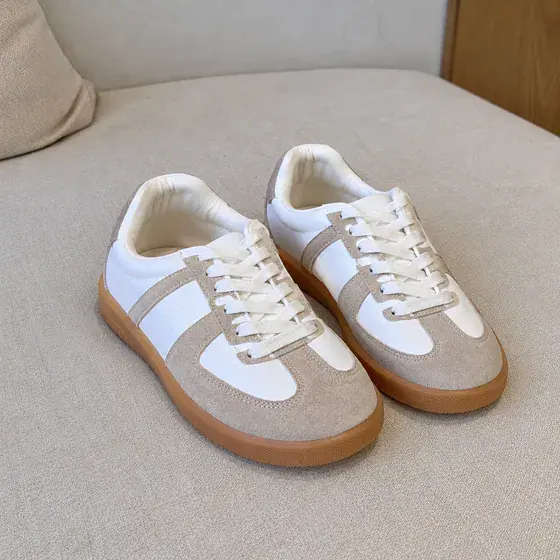








































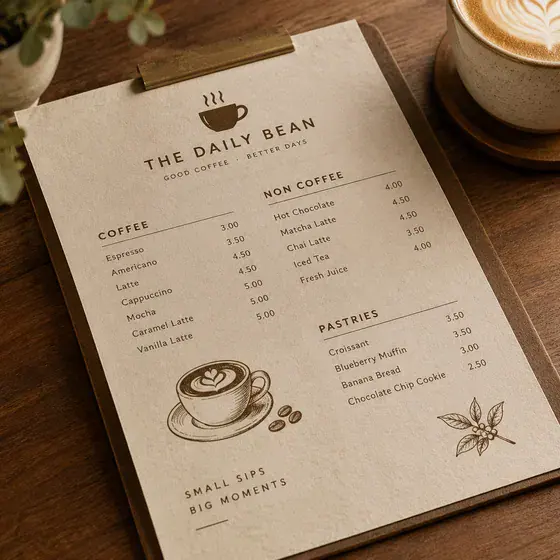






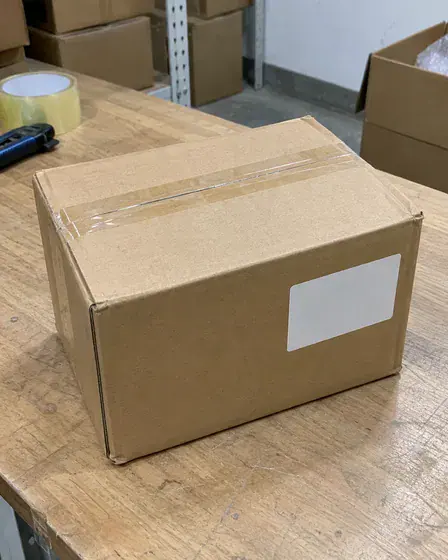













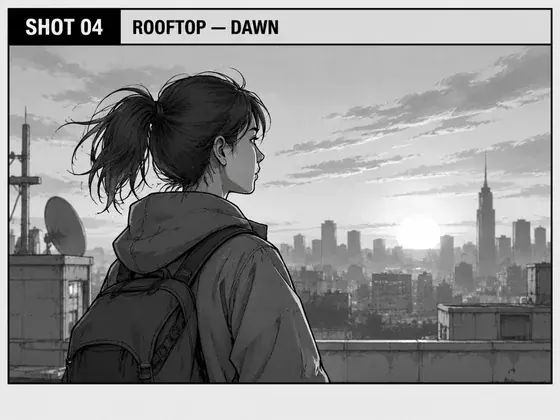


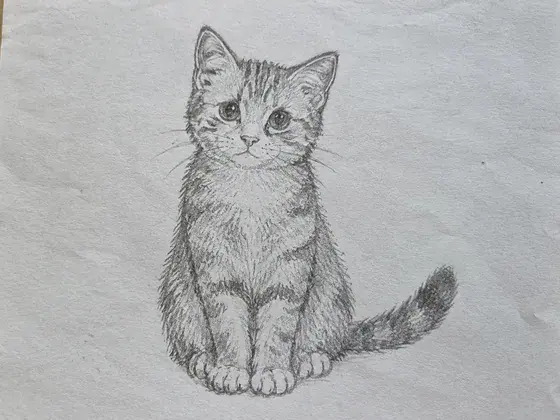
















































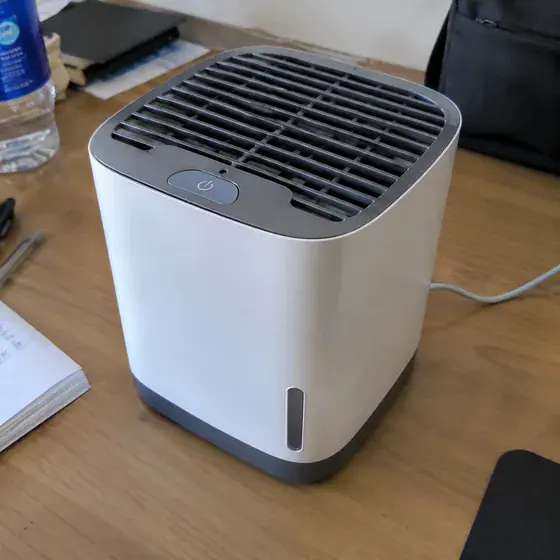
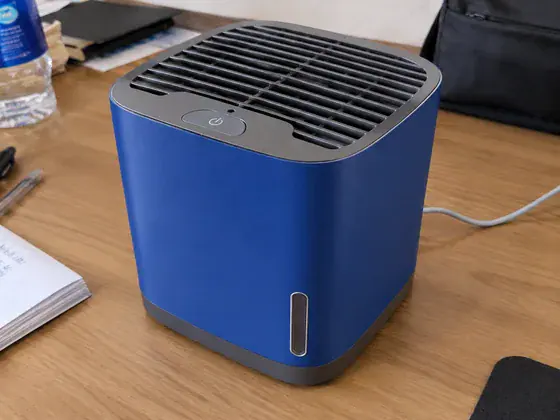


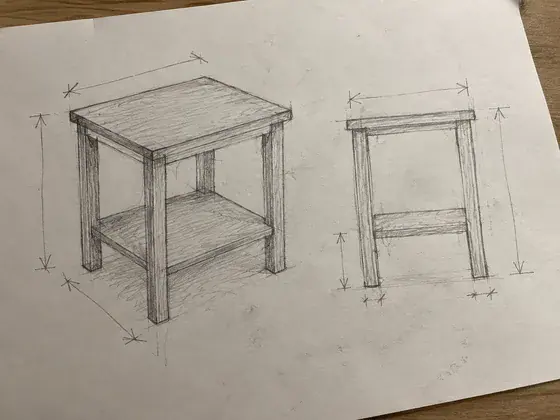

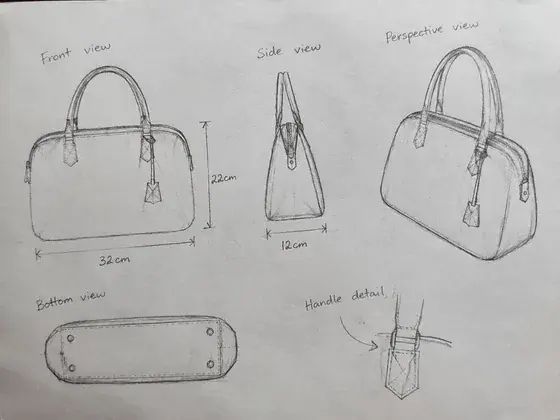


































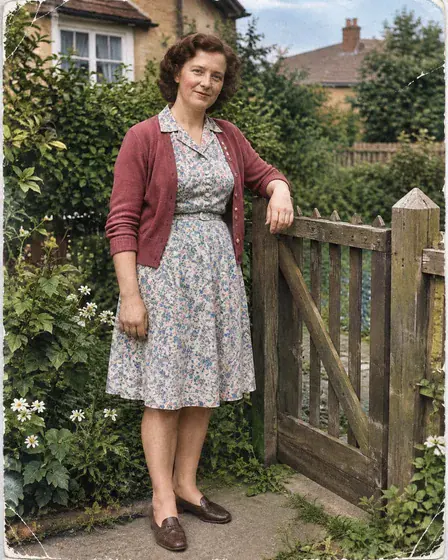
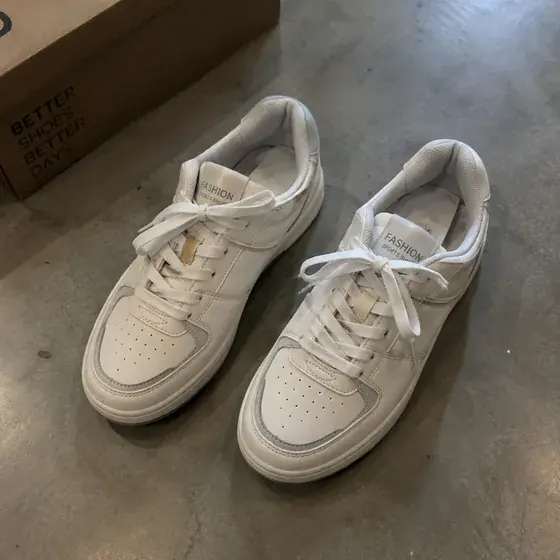
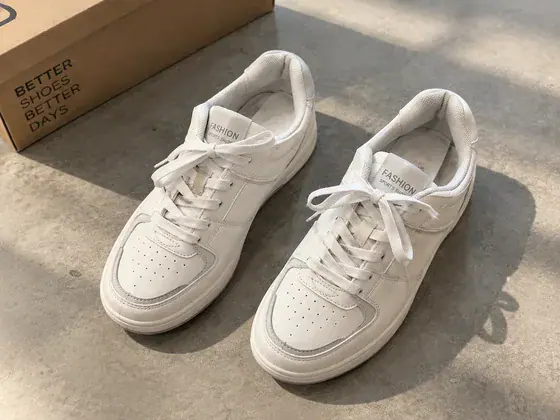
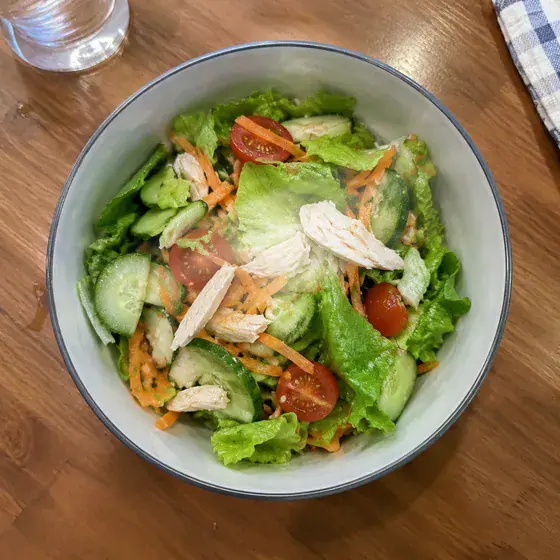
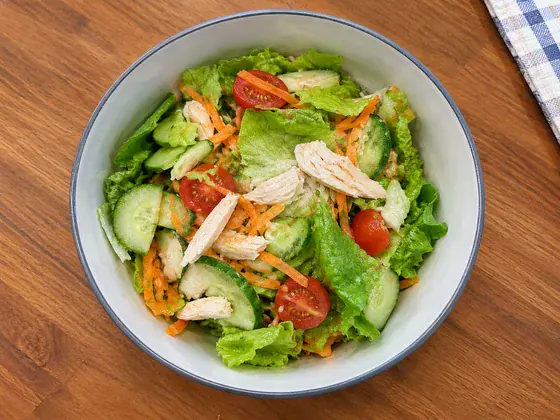
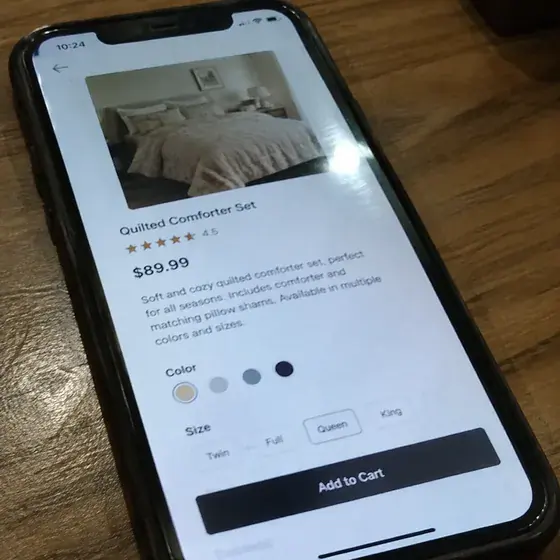





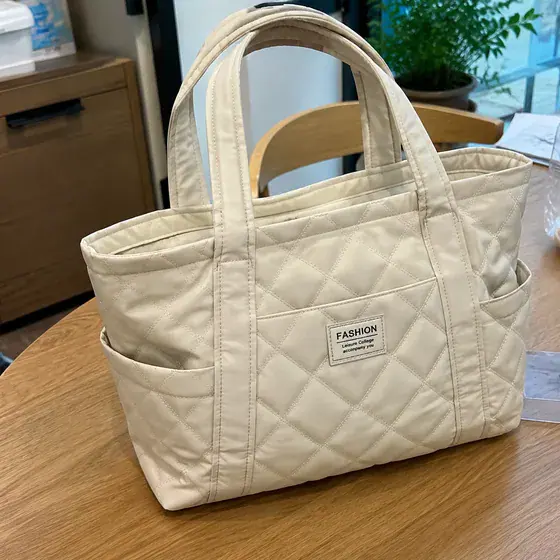


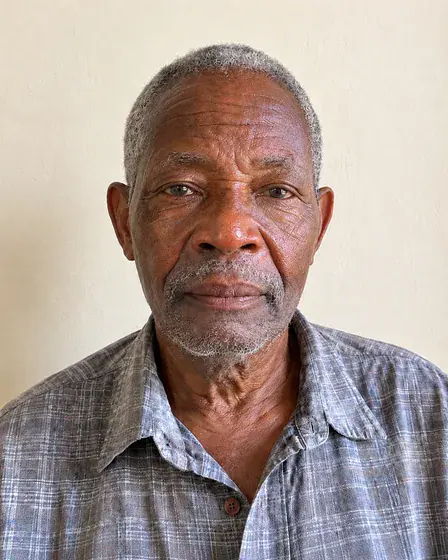


























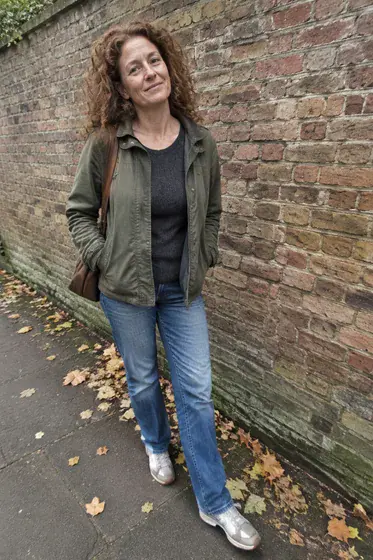











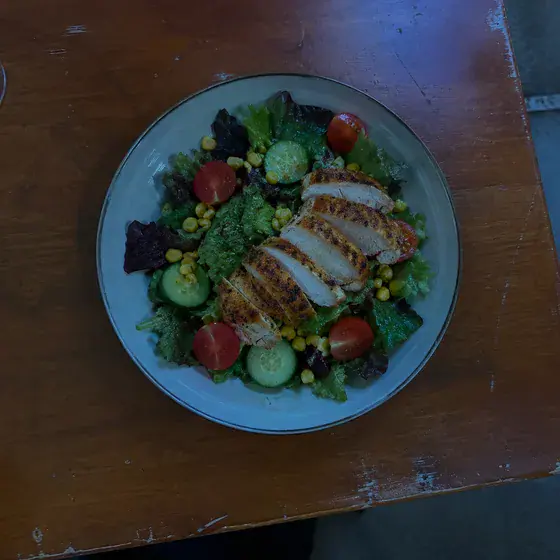
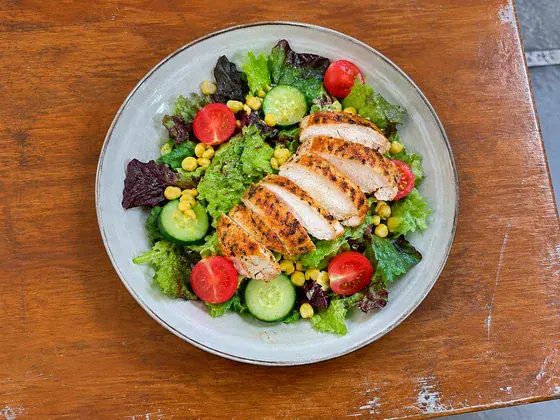


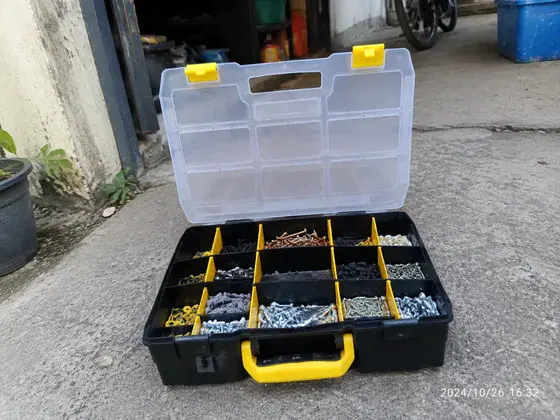





















Featured categories
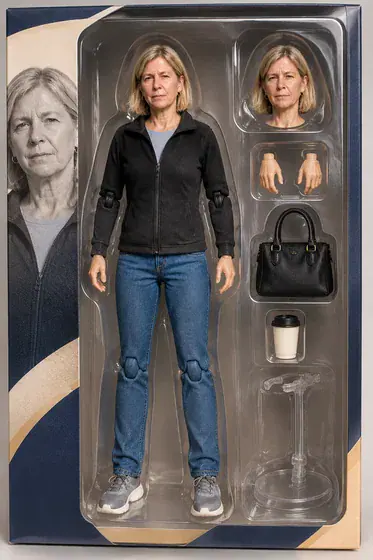
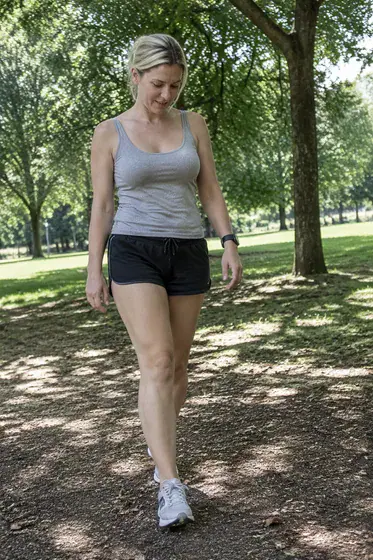
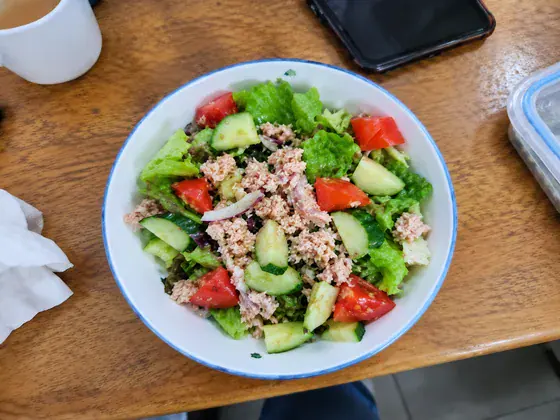
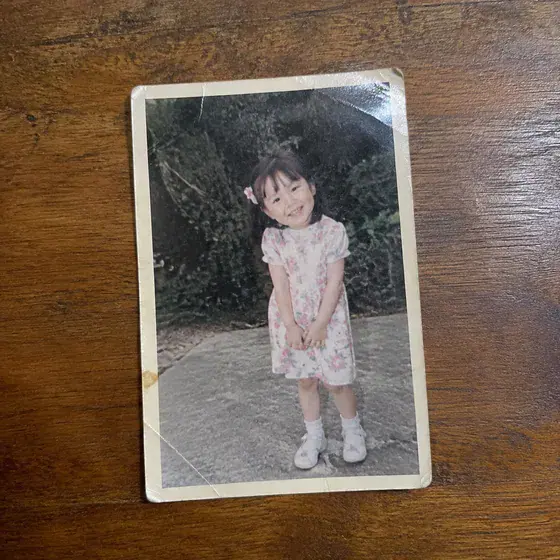
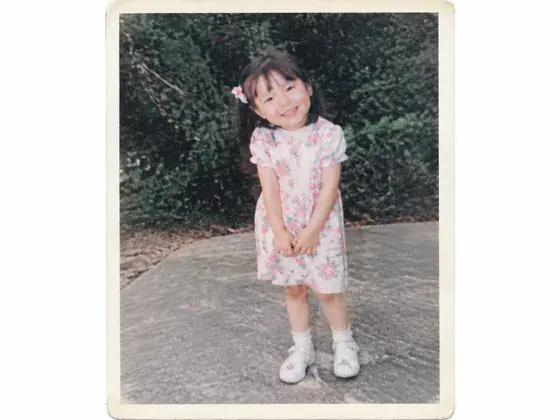
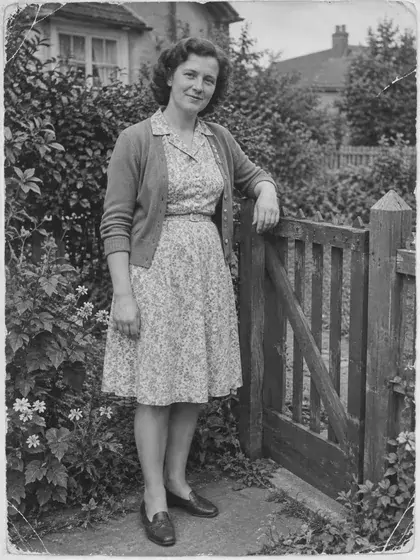
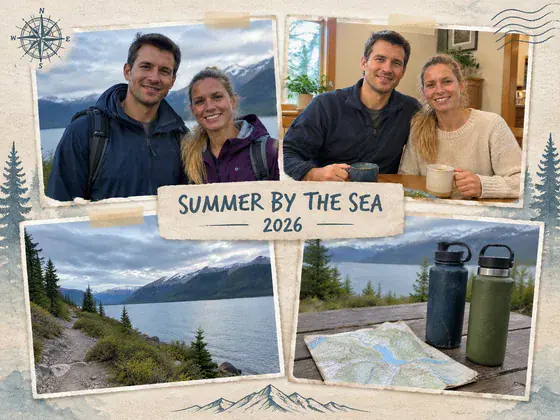
Professional headshots, family keepsakes, product photos, print-on-demand designs, and more.
See real before references and completed Skill results.
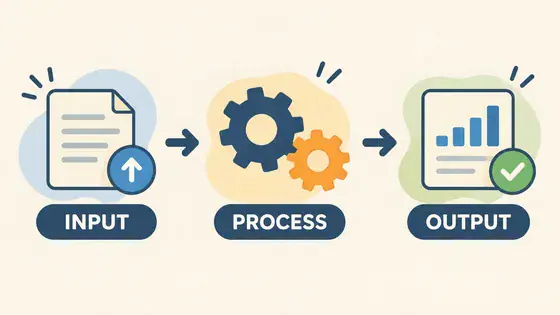
Create a professional LinkedIn headshot from a selfieCreate a professional headshot for a résumé or CVCreate consistent employee headshots for a company teamCreate an executive or founder portraitCreate a promotional headshot for a real estate agentCreate a bio headshot for a speaker, author, or expertTurn an ordinary photo into a passport photoChange the background color of an ID photoCreate graduation portraitsCreate a business card visual with a headshotCreate an email signature headshotCreate photos for employee badges or staff directoriesChoose a goal, prepare the requested materials, and generate one image.
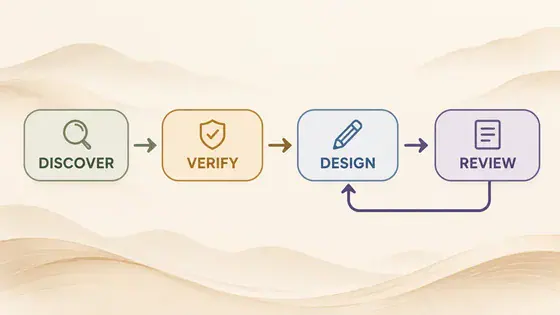
Search or browse by category, then choose the result you want.
Provide the requested references and text, then confirm the output ratio.
Review and download the result, or refine it for your use case.
Short answers about workflows, Skills, languages, and image handling.
No. Once you choose a workflow, the system handles the generation rules.
A Skill is an image workflow built for a specific result. It defines what to preserve, what to change, and what to deliver.
The evidence confirms that the need exists and keeps model assumptions from being presented as real standards.
The site is available in Chinese and English. Use the language switcher in the header; other languages are supported through search aliases.
Once the service is configured, sign in, open a workflow, provide the requested references or text, choose the ratio, resolution, and quality, then submit.
Reference images and generated results are stored in private R2 storage. The database stores only task and file metadata, and the browser accesses files through short-lived signed URLs.